
Almost every organisation has contracts: with customers, suppliers, employees and landlords. Yet few companies know at any given moment exactly what is running, when something ends and who is responsible for what. CLM software solves that. In this article we explain what contract lifecycle management is, which types of contract management software exist, and what to look for when you choose one.
What is CLM software?
CLM stands for Contract Lifecycle Management. CLM software is a contract management system that supports the full lifecycle of a contract: from drafting and negotiating, through approval and digital signing, to monitoring obligations and renewing or terminating on time.
The difference with a shared folder full of PDFs is fundamental. A folder stores a document. A CLM system understands the document: it knows which party you have an agreement with, when the term ends, which notice period applies and who needs to act as that date approaches.
You will find the same functionality under several names: contract management software, contract management system, contract management tool, or simply CLM. In practice they all mean the same thing.
The phases of contract lifecycle management
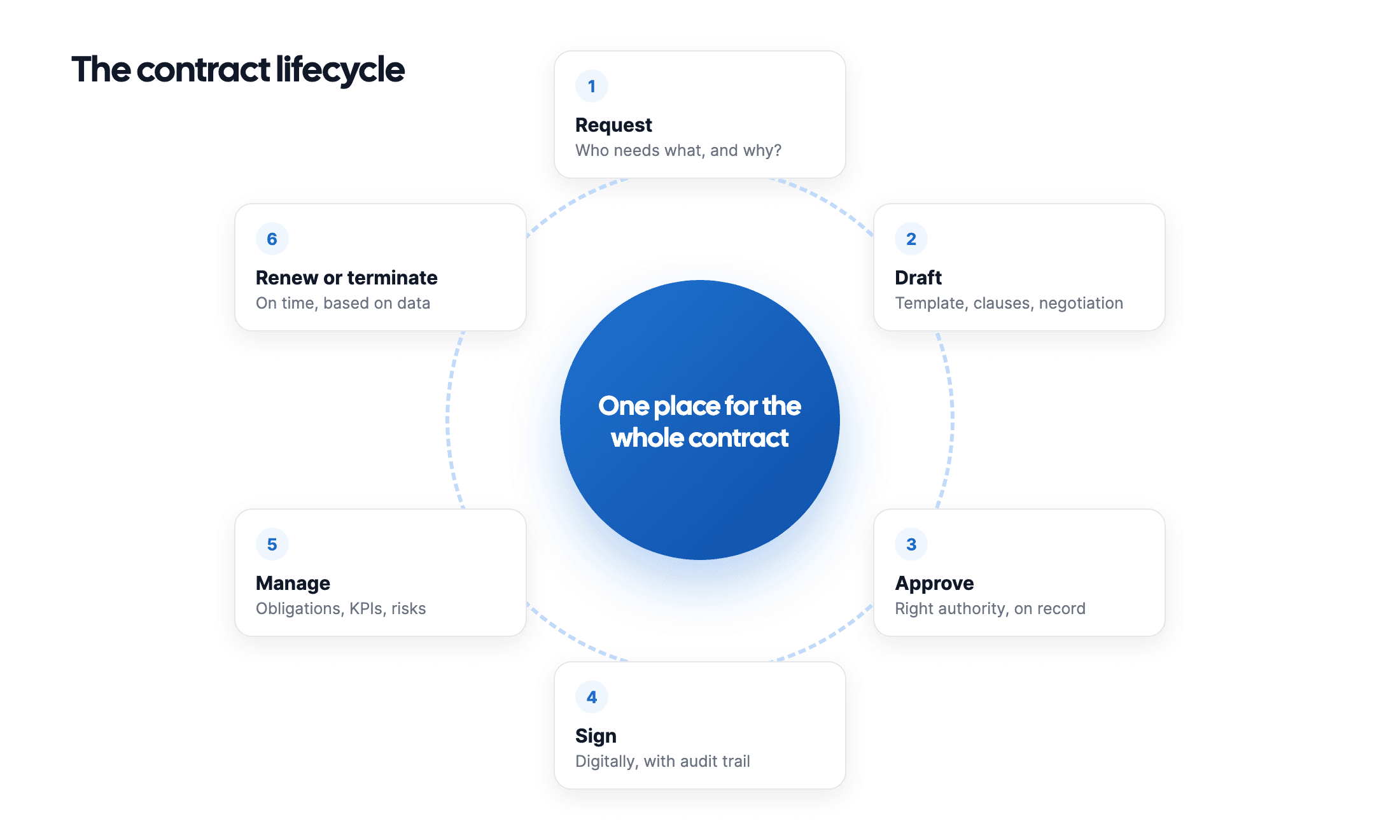
A complete CLM process has six phases. Not every tool covers them all, and that is precisely where the solutions differ.
- Drafting. Creating a new contract from an approved template, instead of copying an old contract and editing it.
- Negotiating and reviewing. Tracking versions, collecting comments and seeing which version is the latest.
- Approving. A fixed route past the people who need to sign off, with a recorded trail of who approved what and when.
- Signing. Signing digitally with a legally valid electronic signature, without printing and scanning.
- Monitoring. Tracking obligations, KPIs and SLAs, and being warned in time about expiry dates and notice periods.
- Renewing or terminating. Deciding well before the deadline whether you renew, renegotiate or cancel.
Most problems arise in phase 5. The contract is signed, everyone is happy, and after that nobody looks at it again. Until the automatic renewal costs you another year.
Research from World Commerce & Contracting among others has pointed out for years that organisations lose a substantial share of their contract value through poor contract management: missed renewals, discounts never claimed and obligations never met. Those are exactly the losses a CLM system prevents.
Which types of contract management software exist?
Not every organisation needs the same thing. Broadly speaking there are three categories.
1. Light tools: storage and reminders
The smallest solutions are essentially a smart filing cabinet: you upload contracts, enter an end date and receive an alert. Fine for a small company with a handful of agreements, and often cheap or even free.
You notice the limitation as soon as you grow. There is no approval process, no permission structure and no signing. Everything that happens before and after storage, you still do by hand.
2. Specialised CLM software for SMEs and scale-ups
This category covers the full lifecycle: drafting, signing, monitoring and renewing, with per-user permissions and reporting. Built for organisations that want serious contract management without a months-long implementation project. Looop sits in this category.
3. Enterprise suites for large legal departments
At the top end you find broad legal platforms, often with contract management as one module alongside disputes, intellectual property and real estate. Think of parties like Legisway, Ironclad or ContractPodAi. Powerful, but with prices that quickly run into tens of thousands a year and an implementation that needs guidance.
The sting is in the middle category. Many organisations believe they need an enterprise suite when they are actually looking for good contract management software for SMEs, and end up paying for modules they never open.
What should you look for when choosing a CLM system?
Work through these points before you choose a contract management system:
- Does it cover the whole lifecycle? Or does it stop at storage, leaving you to take out a second subscription for signing?
- Is digital signing included? A built-in e-signature saves both money and an extra system in your process.
- Does the software read contracts itself? AI that recognises parties, terms and notice periods saves about fifteen minutes of data entry per contract.
- Can you set permissions per team? Employment contracts should not be visible to the whole organisation.
- Where is your data stored? For GDPR compliance, storage within the EU and a data processing agreement are not luxuries.
- How long does implementation take? A tool that only works after three months costs you half a year before it delivers anything.
- What does it really cost? Count implementation, separate modules and the number of user licences, not just the monthly fee.
Write down your current situation first: how many contracts do you have, who manages them now, and what went wrong over the past year? That list is worth more in a demo than an exhaustive feature comparison.
What does CLM software deliver?
The gain comes down to three things. Time, because searching for contracts and tracking dates by hand disappears. Money, because you no longer miss renewals and can renegotiate in good time. And peace of mind, because during an audit, a dispute or an acquisition you can show what was agreed within a minute.
That last one is often underestimated. The difference between an organisation that is in control and one that is not rarely shows on an ordinary Tuesday. It shows the moment someone asks a question you need to be able to answer.
What Looop offers
Looop is Dutch CLM software for the full contract lifecycle, built for organisations that want control without a months-long implementation project.
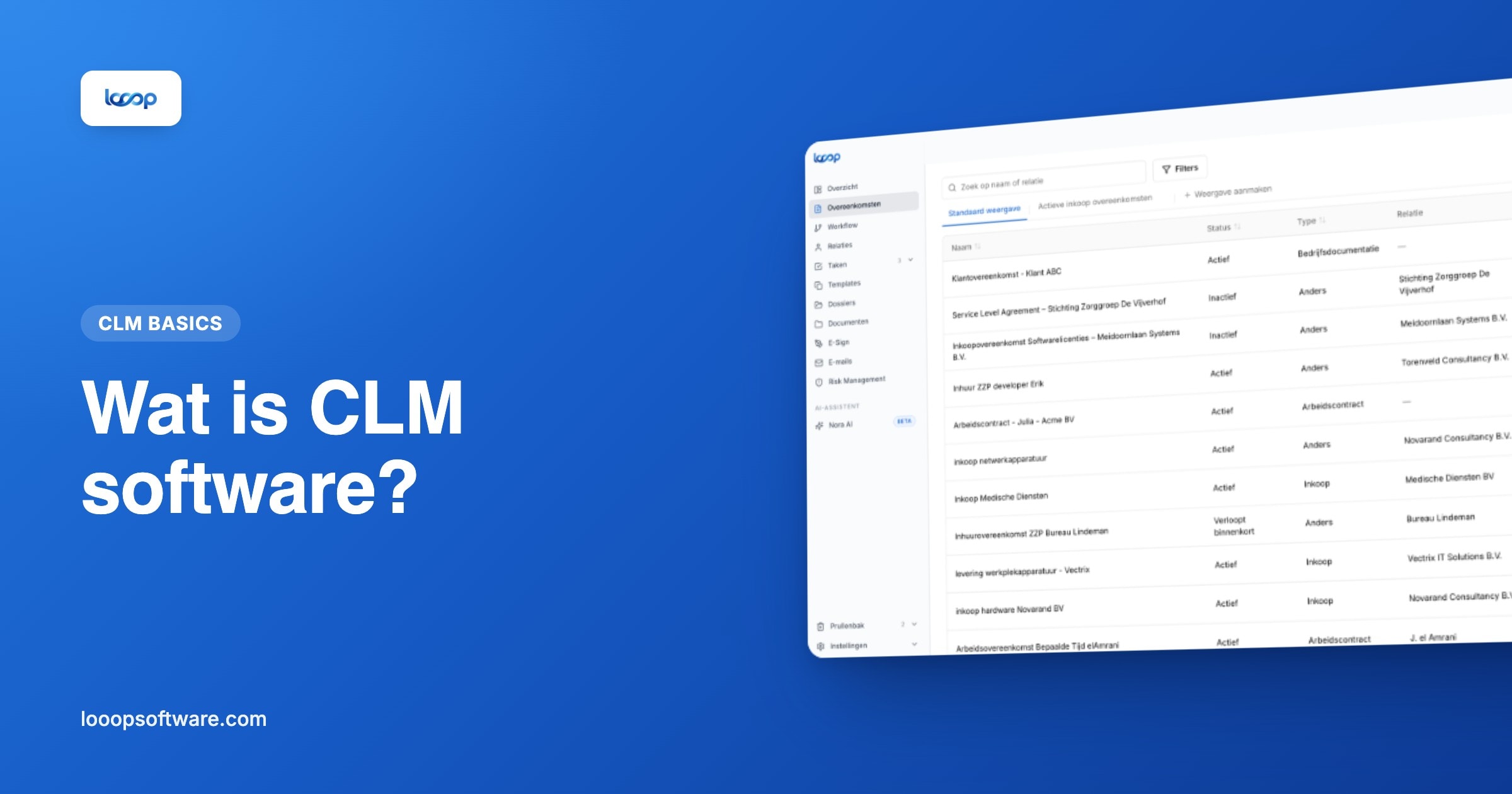
- A central contract register, searchable by relation, type, term or a word from the text
- NORA AI reads every contract you upload and proposes the counterparty, the start and end dates and the notice period
- Looop Esign for legally valid digital signing, built in and without an external tool
- Automatic expiry alerts at 90, 60 and 30 days, with thresholds you set yourself
- Tasks, KPIs and SLAs per contract, assigned automatically to the person responsible
- Approval workflows from draft to signature, with a full history for your audit file
- Permissions per department, office and contract type, so everyone sees exactly what they should
- Entity management with a visual org chart for organisations with several legal entities
- Storage within the EU, encrypted and GDPR-proof
What sets Looop apart from the heavyweight enterprise packages is the combination: the full lifecycle plus AI support, without paying for modules you do not use and without spending months on configuration.
Getting started
Every organisation is different, which is why we tailor both the price and the setup to your situation. In a thirty-minute demo we look at your current contract process and show you what it looks like in Looop. No sales pitch, just an honest answer to the question of whether Looop fits.
Frequently asked questions
- What is CLM software?
- CLM stands for Contract Lifecycle Management: software that supports the whole lifecycle of a contract, from drafting and approval through e-signing to monitoring, renewal or termination. Unlike a folder, the system understands the contract: party, term, notice period and owner.
- What is the difference between CLM software and contract management software?
- In practice, none: contract management software, contract management system and CLM are used interchangeably. What differs per tool is how much of the lifecycle it covers; light tools stop at storage and reminders.
- Which types of CLM software exist?
- Light tools for storage and reminders; specialised CLM software for SMEs and scale-ups covering the whole lifecycle; and enterprise suites for large legal departments, with contract management as one module next to disputes and IP.