
"We already have SharePoint." It is the most common argument against contract management software, and it is entirely reasonable. Your documents are there, they are searchable, and everyone can reach them.
Yet it solves a different problem. A document management system stores files. Contract management tracks commitments. That sounds like wordplay, but the difference is concrete.
What a DMS does well
Let us start honestly. SharePoint, Google Drive, Dropbox or a proper DMS are good at:
- Storing files securely with version history
- Searching inside document content
- Setting permissions per folder or file
- Collaborating on a document
- Retaining according to an archiving policy
For most of your documents that is exactly enough. A quote, a presentation, a report: store it and find it again is all you need.
What makes a contract different
A contract is not a document you store. It is a commitment that runs on, with moments where you have to act.
| Question | DMS | Contract management |
|---|---|---|
| Where is the file? | yes | yes |
| What does it say? | yes, if you search | yes, as a field |
| When does it expire? | no | yes |
| When must I give notice? | no | yes, calculated |
| Who is responsible? | no | yes |
| What does it cost per year? | no | yes |
| What risks does it carry? | no | yes |
| Warn me in time | no | yes |
| How many contracts are running? | no | yes |
The first two rows are what a DMS was built for. The rest is what contract management is about, and that is not a storage question but a data question: the information has to exist as a field, not as text inside a PDF.
Why search is not enough
"But I can search for 'notice period', can't I?" You can, and it works right up until you need it.
Search answers where is it. It does not answer when do I have to act. For the second, someone has to go looking, and the whole problem with a forgotten notice period is that nobody thinks to look.
On top of that, the information is often not in the contract at all. The notice period sits in the general terms, the renewal in a letter from 2023, the price agreement in an email. Searching one document will not find that.
A good test: can you say within five minutes which three contracts expire next quarter and what they cost? With a DMS that only works if someone maintains a spreadsheet alongside it. And that spreadsheet is the contract management, just fragile, and owned by one person.
When a folder stops being enough
There is no hard threshold, but these signals keep recurring:
- You have more than fifty active contracts
- You have missed at least one notice period
- Several departments sign contracts, with no central view
- Nobody can state your total contract value
- The person maintaining it is one person
- At audit time the list has to be assembled by hand
- You operate across multiple locations or legal entities
Recognise three or more, and maintaining it already costs you more than a system would.
They are not mutually exclusive
This is not a choice between two systems. In practice you run both:
- The DMS stays where your general documents live, where you collaborate and archive
- Contract management tracks the commitments: terms, owners, value and risks, with the document attached
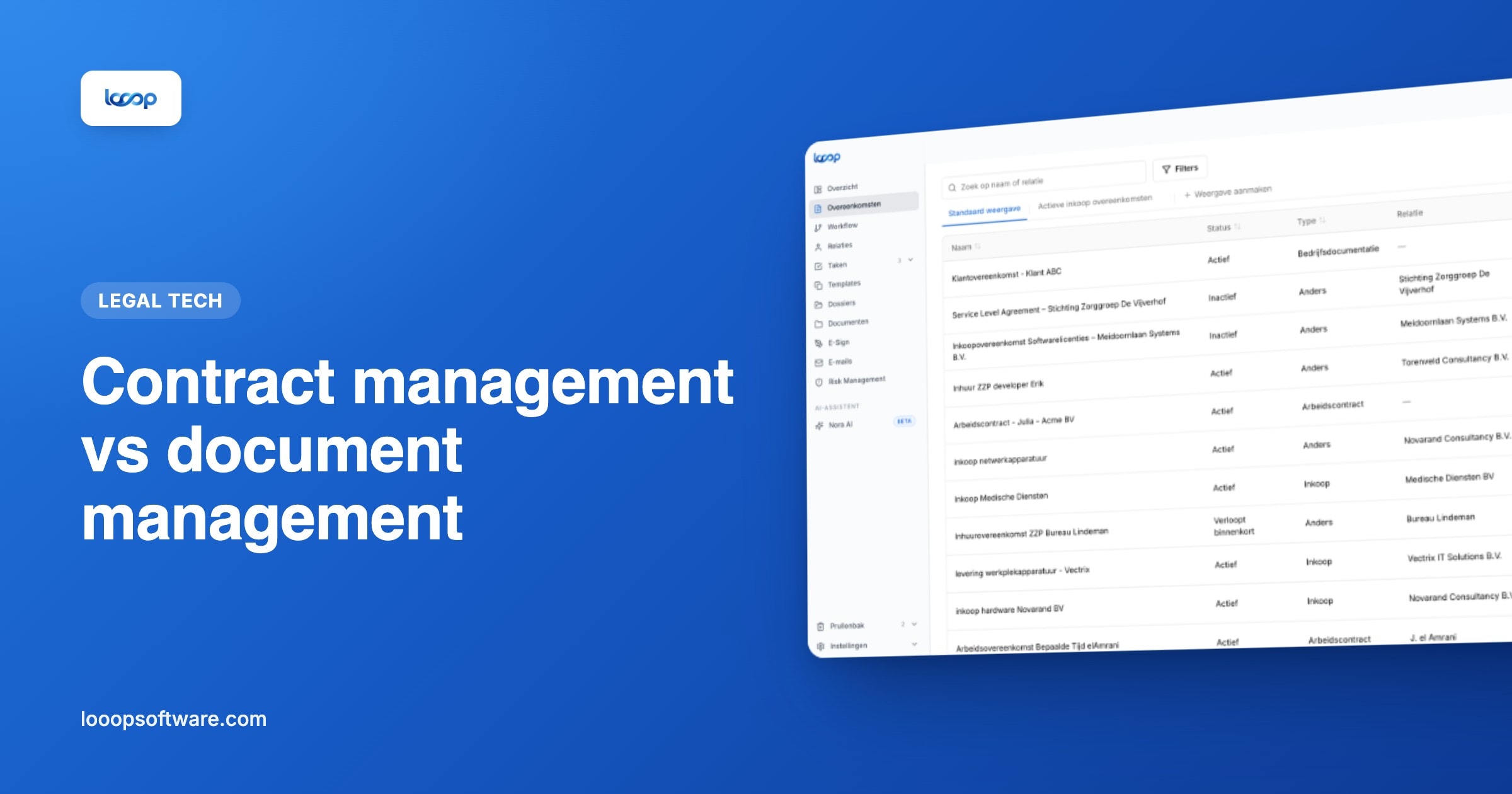
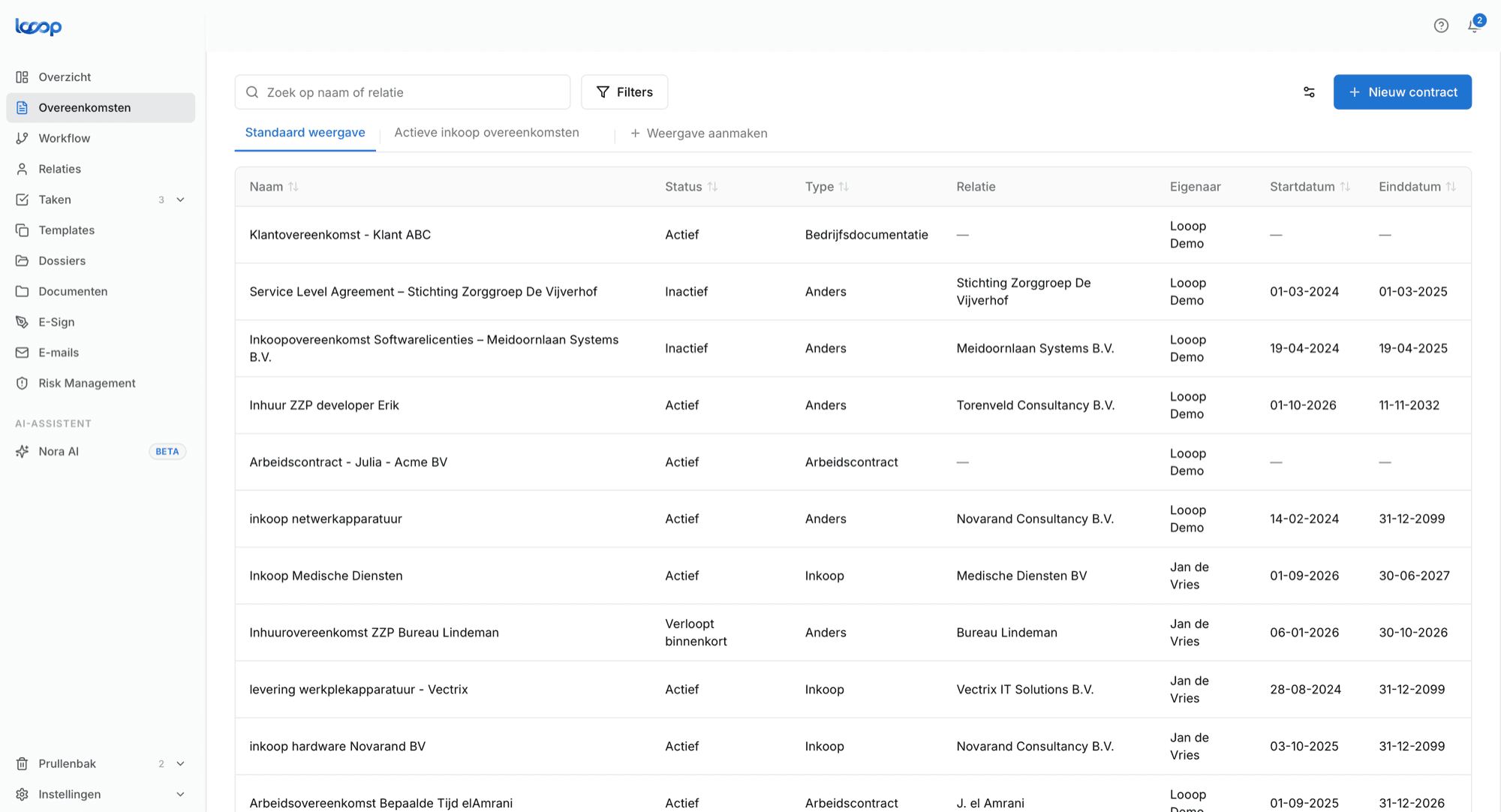
In Looop you record the contract with the fields that matter, including the file itself. On top of that comes what a DMS does not do:
- Expiry alerts based on the notice deadline, not the end date
- Tasks with an owner and a deadline
- Reporting on terms, contract value and what is expiring
- Risk management on the contract the risk arises from
- Email integration so correspondence lands on the contract instead of in a mailbox
- Role-based permissions per department, location or contract type
The spreadsheet as an in-between step
Almost every organisation has the hybrid: documents in a folder, data in Excel. That works better than nothing, and it breaks on three things.
It belongs to one person: when they leave, the overview leaves. It does not warn you: you have to go and look. And it drifts from reality, because a termination gets done but not recorded.
That is not a criticism of spreadsheets. It is the moment the next step starts paying for itself. To work that out for your own situation, the ROI calculator does the maths on your numbers.
Further reading
Frequently asked questions
- What is the difference between contract management and document management?
- A DMS like SharePoint stores files and makes them searchable. Contract management monitors agreements: when a contract ends, when you must give notice, who is responsible and what it costs, with alerts at the right moment.
- Is SharePoint enough for contract management?
- For storage, yes; for monitoring, no. Search tells you where something is, not when you need to act. Organisations that use SharePoint anyway usually keep a spreadsheet next to it, and that spreadsheet is the real contract management.
- When do you need more than a folder?
- When you have more than fifty active contracts, have missed a notice period before, several departments sign contracts, nobody knows the total contract value, or the list has to be compiled by hand for an audit.