
The tedious part of contract management was never the managing. It is the entering: opening a PDF, hunting for the end date, digging the notice period out of the general terms, and repeating that a hundred times.
That just got considerably lighter. NORA now analyses every new contract you add.
What NORA proposes
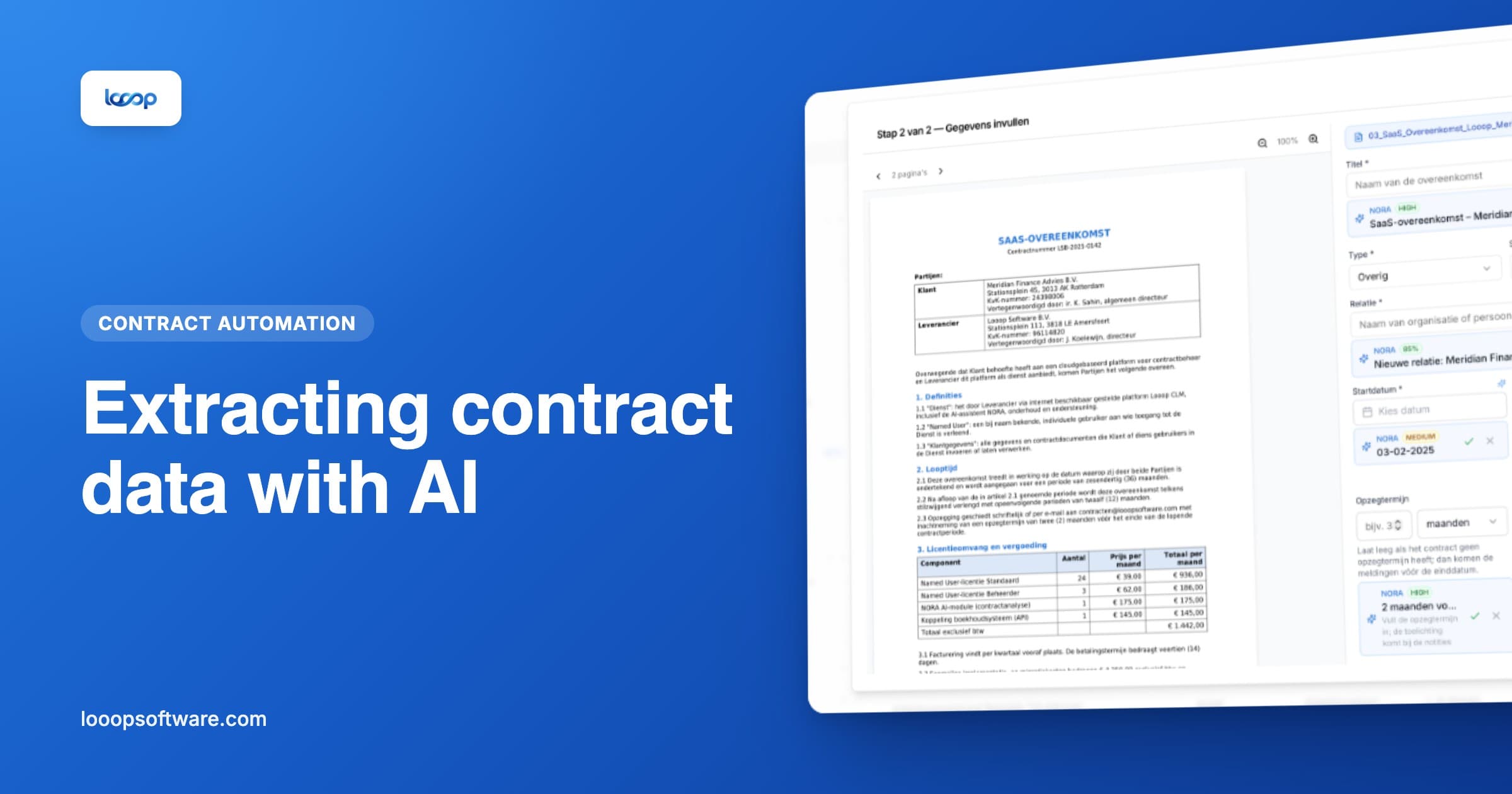
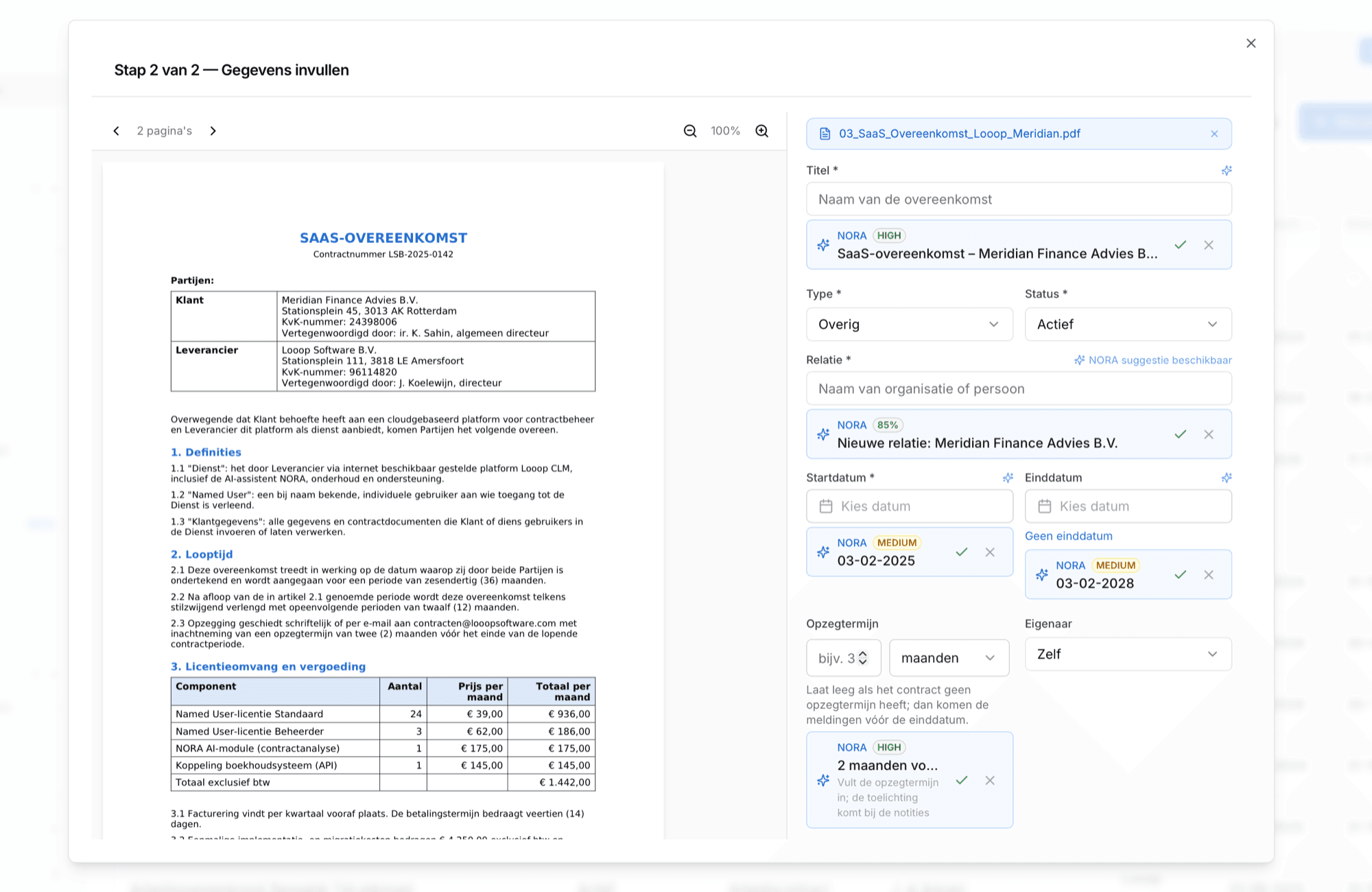
As soon as you upload a contract, NORA reads the document and proposes four fields:
- The name of the counterparty
- The start date
- The end date
- The notice period
You see the suggestions next to the contract and accept or correct them. The decision stays yours: NORA fills nothing in silently.
Those last two fields are where the gain sits. The end date and the notice period are what your entire monitoring depends on, and at the same time the data buried deepest in a document.
Plus: a summary in the same screen
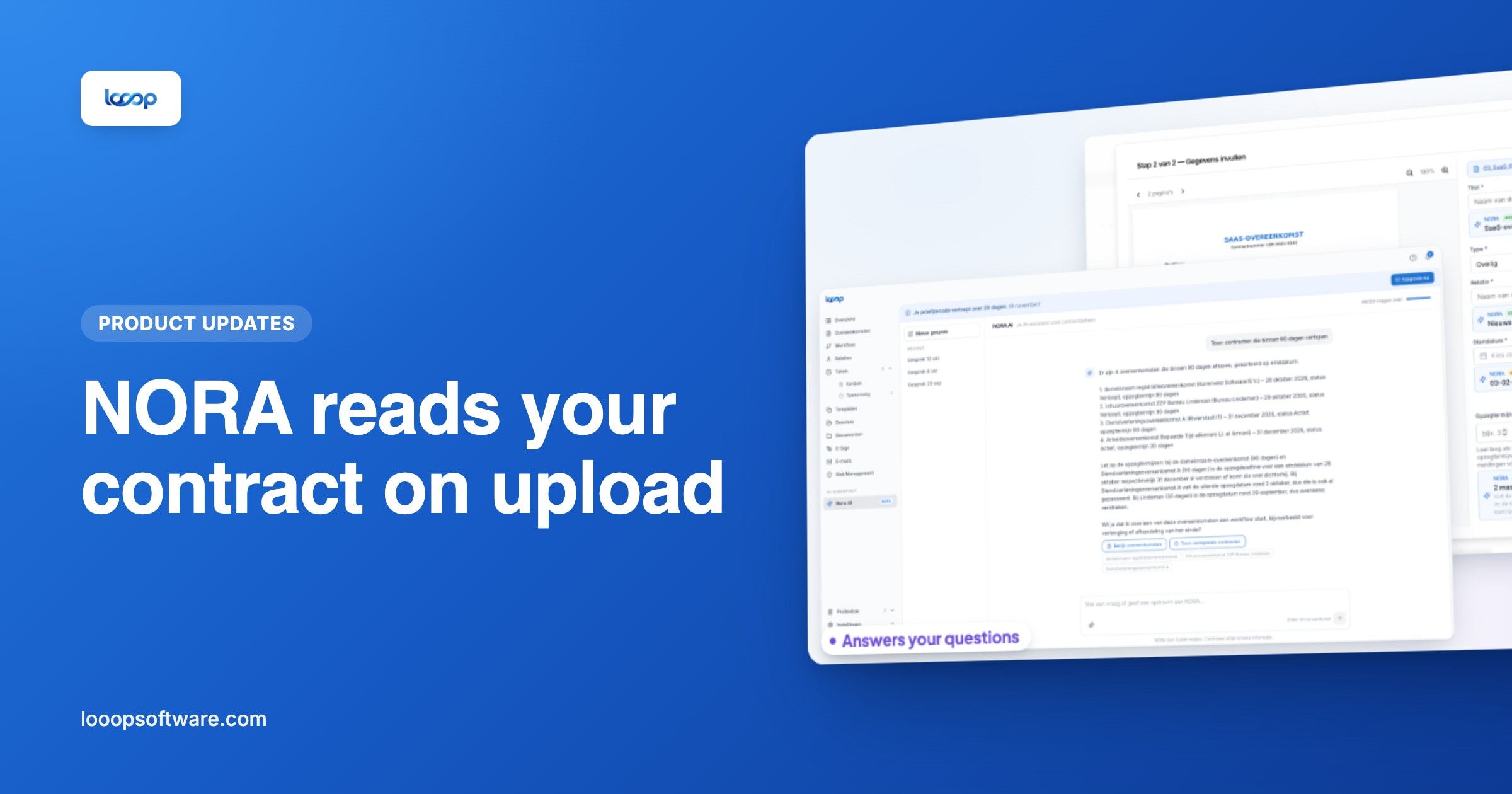
In the same view you can have NORA generate a summary of the contract. Useful when you take over a contract from a colleague, or when you want to know what a 2022 agreement was actually about without reading twenty pages.
The important context is clear immediately, rather than after half an hour of reading.
Use this while building your register too. Work through your existing contracts and let NORA do the first pass. Then you only verify instead of search.
What you still do yourself
Being honest helps here. Two things NORA cannot take from a document, because they are not in it:
The owner. Who in your organisation is responsible for this contract appears nowhere in the PDF. You assign that yourself, and it is exactly the field your expiry alerts depend on.
Terms that live elsewhere. If the contract refers to general terms you did not upload, NORA cannot extract the notice period from them. Upload that document too and it works.
More on where AI extraction is strong and where the limits are in extracting contract data automatically with AI.
Getting started
- Add a new contract through the contract register
- Upload the document
- NORA reads along and makes its suggestions
- Check, correct where needed and accept
- Assign an owner and save
More about how NORA works is on the NORA feature page.
Frequently asked questions
- Which data does NORA read from a contract?
- On upload, NORA suggests the counterparty, start date, end date and notice period, each with a quotation from the document. You accept or correct; NORA fills nothing in silently. An accepted notice period goes straight into the field, and Looop uses it to work out the notice deadline.
- What doesn't NORA extract from a contract?
- Who owns the contract within your organisation, and terms that sit in a different document. Upload the general terms as well, and NORA can extract the notice period from there.
- Can NORA summarise a contract?
- Yes, in the same screen. Useful when you take over a contract from a colleague or want to know quickly what an older agreement is about.