
Contract risks are usually tracked somewhere other than the contracts themselves: in a risk matrix, a spreadsheet, or one person's head. Which is why they disappear at the next reorganisation.
From now on you record them on the contract they arise from.
Basic or extended
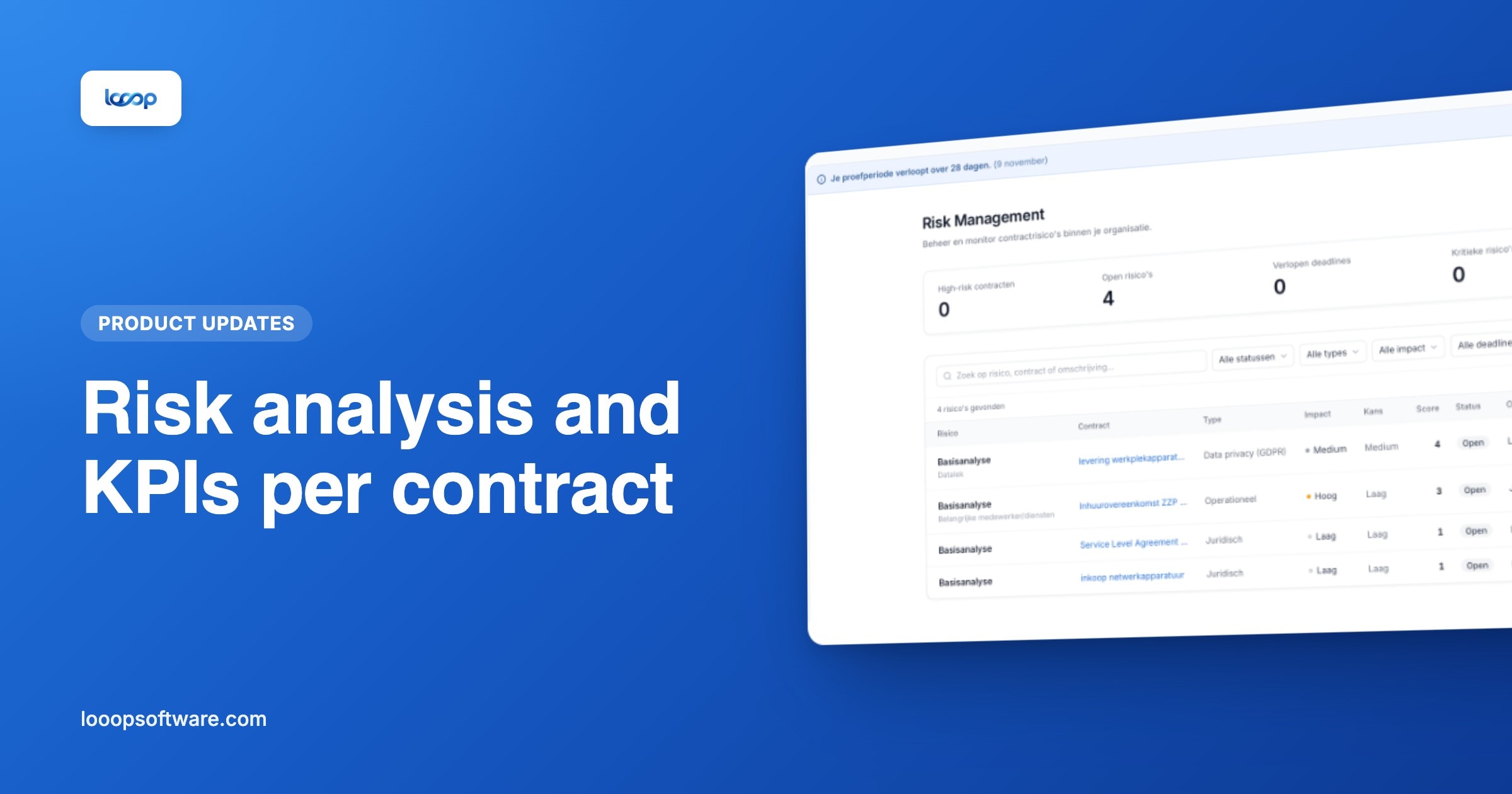
You attach a risk analysis per contract, in two forms:
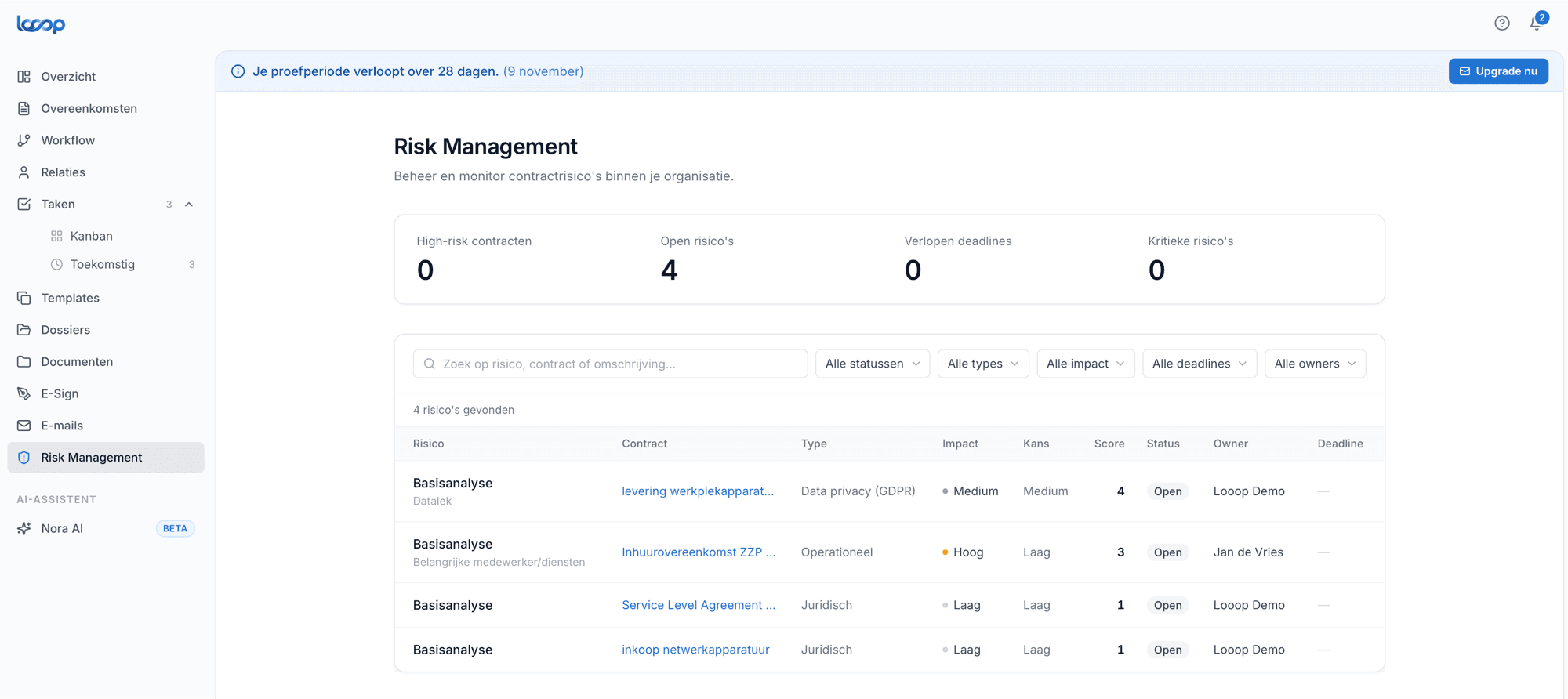
Basic: for the bulk of your portfolio. Quickly capture what could go wrong, how bad it would be and who owns it.
Extended: for contracts carrying more weight. A fuller analysis for your largest suppliers, your critical services, or anything falling under a certification programme.
Both record likelihood and impact, so you can see which risks genuinely carry urgency and which can wait. And more importantly: who has to act. A risk without an owner is a note, not a control.
Start with the suppliers who can reach your most sensitive information, not the largest invoices. Those are often not the same parties.
KPIs and SLAs per contract
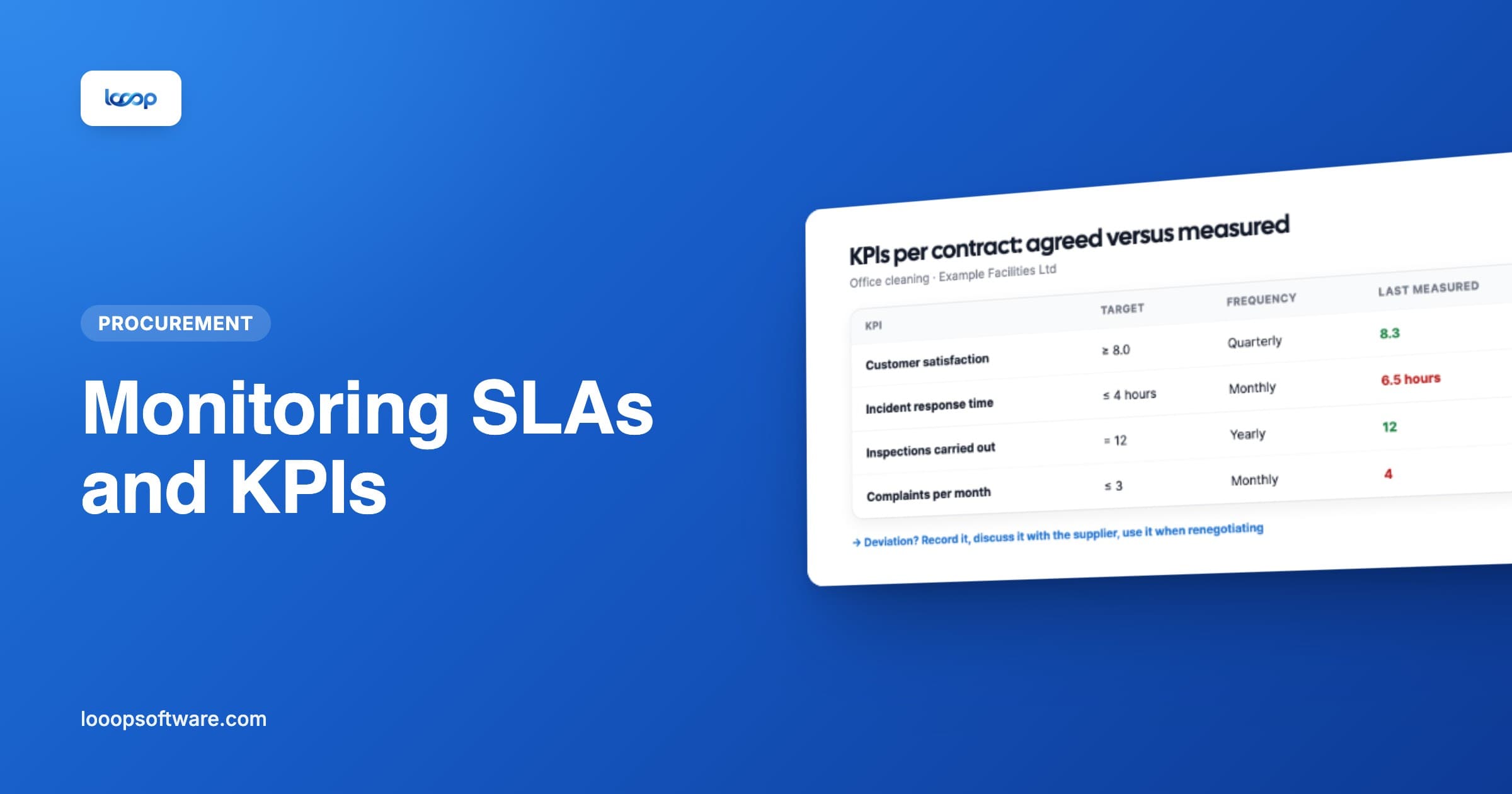
In the same release: you can now monitor key KPIs and SLAs per contract.
If you agreed with a supplier that incidents are resolved within four hours, or that they report quarterly, you record that on the contract rather than in a separate agreement nobody can find.
Tasks that appear on their own
The part that makes the most practical difference: tasks appear automatically on the task board, under the name of the person responsible.
That is the difference between a risk analysis that was made and one that is acted on. A control without a task stays an intention. A task with a name and a date on the task board actually happens.
The same holds for KPIs: the moment to check whether a supplier is meeting their commitments comes to the person who owns it.
Why on the contract rather than beside it
Three reasons we hear back from users:
It stays current. A risk on the contract is reviewed when the contract is reviewed. A standalone risk matrix is not.
It shows up in your reporting. Risks feed into portfolio reporting without combining two sources.
It is demonstrable at audit. "When was this supplier last assessed, and by whom" becomes a question with an answer instead of a search.
Getting started
- Open a contract in the register
- Attach a basic or extended risk analysis
- Record likelihood, impact and an owner
- Add the KPIs or SLA commitments you want to monitor
- The related tasks appear by name on the task board
More on the risk management and tasks feature pages. For legal teams, this page is the starting point.
Frequently asked questions
- How do you record risks per contract in Looop?
- Open a contract, attach a basic or extended risk analysis and record likelihood, impact and an owner for each risk. Looop calculates a score and puts the related tasks on the task board in the owner's name.
- Can you monitor KPIs and SLAs per contract?
- Yes. For each KPI you record a target, direction and measurement frequency. Looop schedules the measurements as tasks and shows for each measurement whether the supplier is on target or deviating.
- Why record risks on the contract rather than in a separate matrix?
- Because they then stay current when the contract is revised, count in your reporting, and can be demonstrated in an audit: when was this supplier last assessed, and by whom?