
The contract says what was agreed. The email says why.
That commitment about delivery times, the exception the account manager made, the confirmation that this year's price increase would not apply: that rarely sits in the contract. It sits in an email, in the inbox of someone who may not work there next year.
There is now a fix: you link your most important emails to the right contract in one click.
Two ways to do it
From the contract. Open a contract, go to the email tab and link the messages that belong to it.
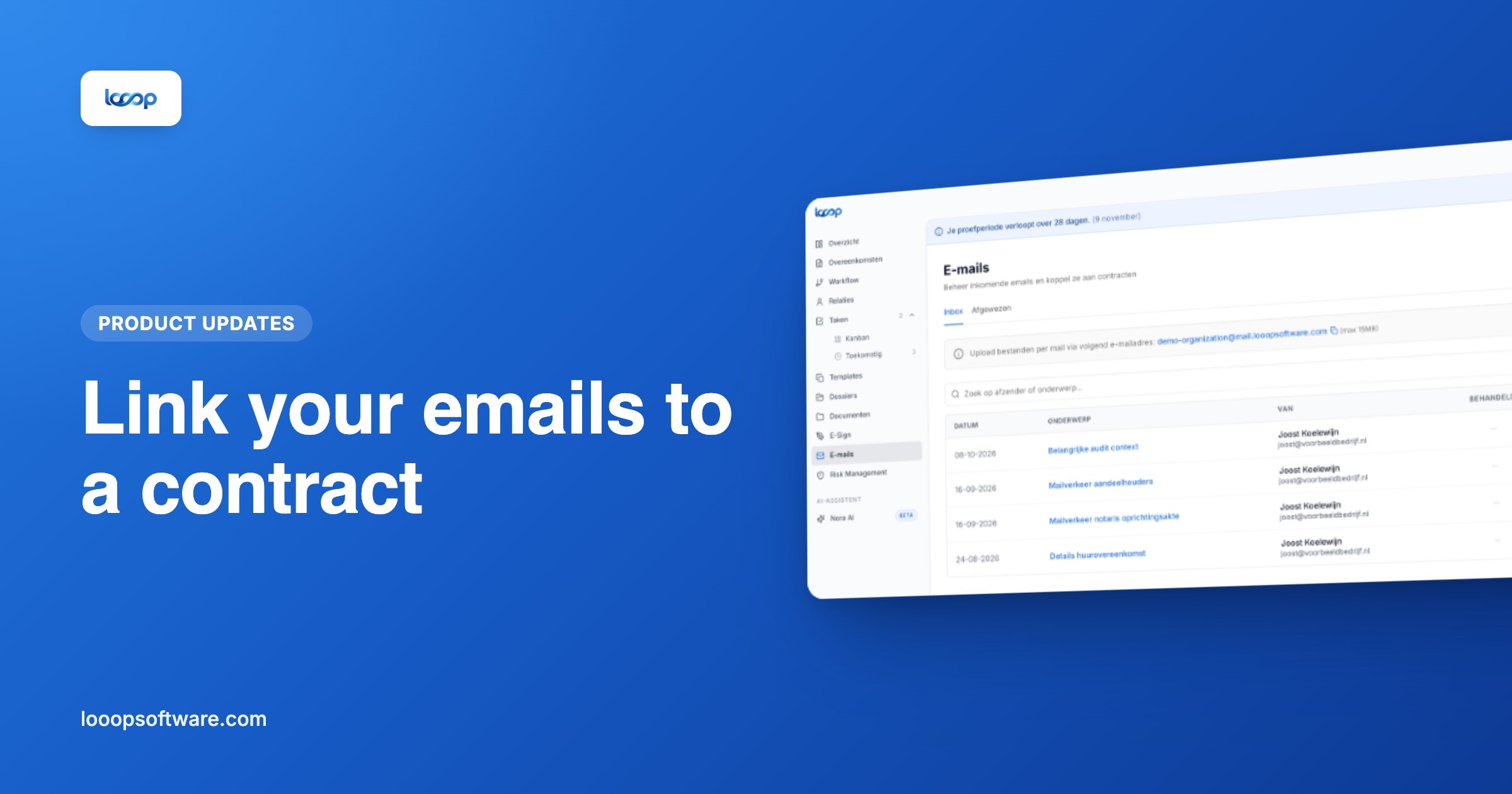
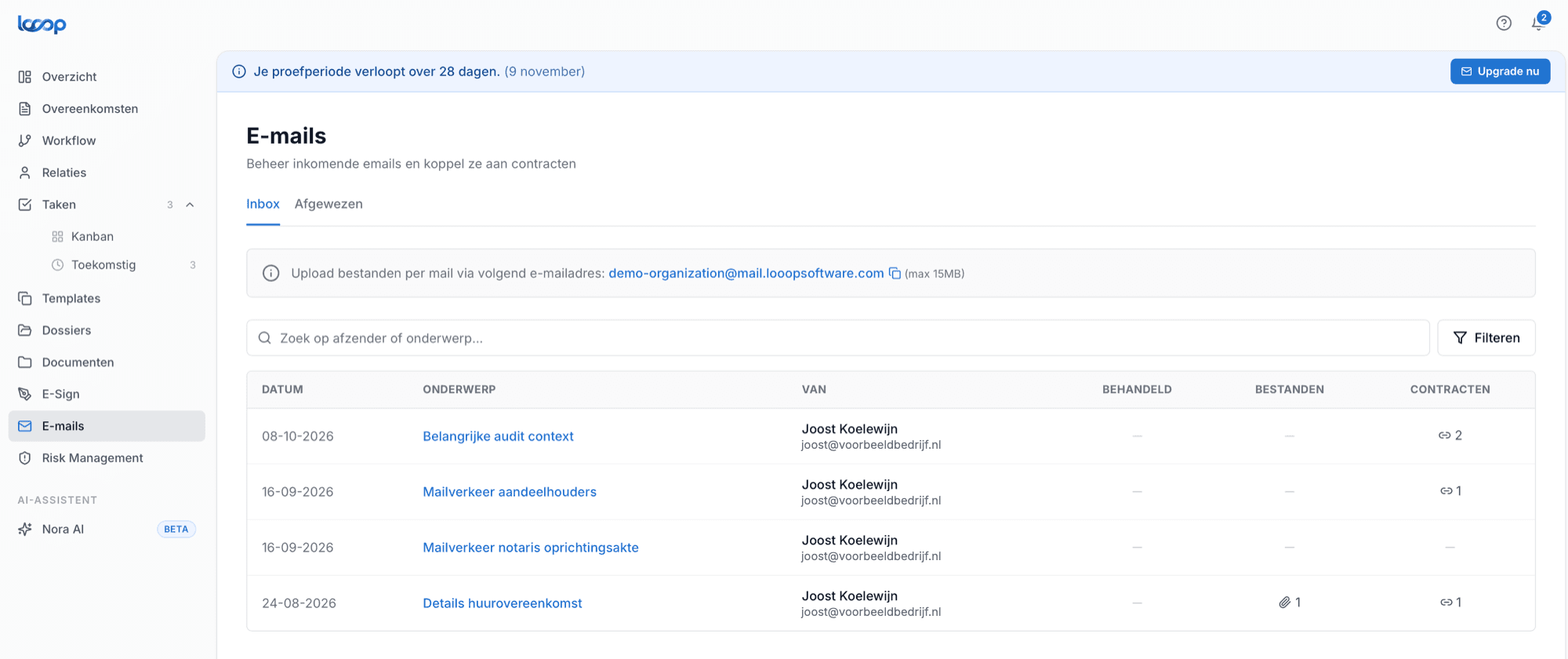
From your inbox in Looop. You have your own mail environment inside your Looop account. Anything arriving there can be linked to a contract in one click.
How mail gets into Looop
Two routes again, and neither adds steps to your daily work:
Forward the email to your personal Looop address.
Or put your Looop address in cc. The correspondence then arrives automatically while you keep emailing your supplier exactly as you always have. No separate step, no different way of working.
The cc route works best during negotiations and renewal discussions. Add your Looop address from the first message and the whole conversation is captured, including the commitments that never made it into the final contract.
Why this solves more than it looks
Three situations we hear about regularly:
A colleague takes over a contract. Instead of "just ask Peter", the history sits on the contract. Including after Peter has left.
You need to terminate and are looking for the confirmation. The renewal letter from two years ago where the supplier announced the new notice period: that lived in a mailbox. Now it sits on the contract. More in setting expiry alerts.
A dispute arises over whose terms apply. The email in which you rejected the other party's terms is then exactly the document you need.
What it gives your colleagues
This is not a feature for you alone. The gain is that context no longer sits in one personal mailbox, but on the contract where it belongs, reachable by everyone allowed to see that contract.
Who sees what is governed by role-based permissions, per department, location or contract type.
Getting started
- Find your personal Looop email address in your account
- Put it in cc on your next contract conversation
- Link the incoming message to the right contract in one click
- Or work the other way round: open a contract and link existing emails
More on the email integration feature page.
Frequently asked questions
- How do you link an email to a contract in Looop?
- Open the contract and link messages via the email tab, or link them with one click from your inbox in Looop.
- How does email get into Looop?
- Forward an email to your personal Looop address, or put that address in cc. With the cc route, the whole correspondence comes in while you simply email the supplier as usual.
- Who can see linked emails?
- Everyone who is allowed to see the contract. You control who sees what with permissions per user, by department, office or contract type.